My team in Electronic Arts needed one shared calendar for email sends, in-game placements, and app pushes. The Google Sheets CRM calendar was already part of everyone’s daily workflow, so the calendar had to live there.
Building the month view was straightforward. Making the automation reliable when several people edited campaign data at the same time was not, but a Google Sheets CRM calendar can help.
The failure that exposed the real problem
I started with a normal Sheet, and added conditional formatting and an onEdit(e) handler for a Google Sheets CRM calendar.
It worked until two people made changes within seconds of each other.
Both edits triggered the script. Each execution read the campaign data and rebuilt the same calendar output range. The later write replaced the earlier result, and a campaign date disappeared from the rendered view.
The problem was not ordinary collaborative editing. It was a race condition in my automation: two executions were reading and writing the same shared resource at nearly the same time.
Nobody noticed until someone went looking for the missing campaign.
The fix: an installable trigger plus LockService
Simple onEdit(e) triggers are useful in a Google Sheets CRM calendar, but they have authorization and runtime restrictions. Google also notes that the simple edit trigger queues only two events. I moved the broader workflow to an installable edit trigger, which can call services that require authorization. It runs under the account of the creator.
That change did not solve concurrency by itself.
The actual protection came from LockService, which prevents more than one execution from entering the same critical section at once.
const LOCK_TIMEOUT_MS = 10000;

function onEditInstallable(e) {
  if (!isRelevantCalendarEdit_(e)) return;

  const lock = LockService.getScriptLock();

  if (!lock.tryLock(LOCK_TIMEOUT_MS)) {
    e.source.toast(
      'Your edit was saved, but the calendar view did not refresh.',
      'Calendar busy',
      5
    );
    return;
  }

  try {
    updateCalendar_(e);
    SpreadsheetApp.flush();
  } catch (err) {
    console.error('Calendar update failed', err);

    e.source.toast(
      'The calendar could not refresh. Please try again.',
      'Update failed',
      5
    );
  } finally {
    lock.releaseLock();
  }
}
The lock does not guarantee strict first-in-first-out processing. It guarantees that only one execution can modify the protected resource at a time.
That distinction matters. An installable trigger expands what the script can do; the lock protects the shared state.
I used a 10-second timeout as a starting point. It has worked under our normal edit load, but I would measure actual execution and contention times before treating that value as a standard.
The interface: compact overview, details on demand
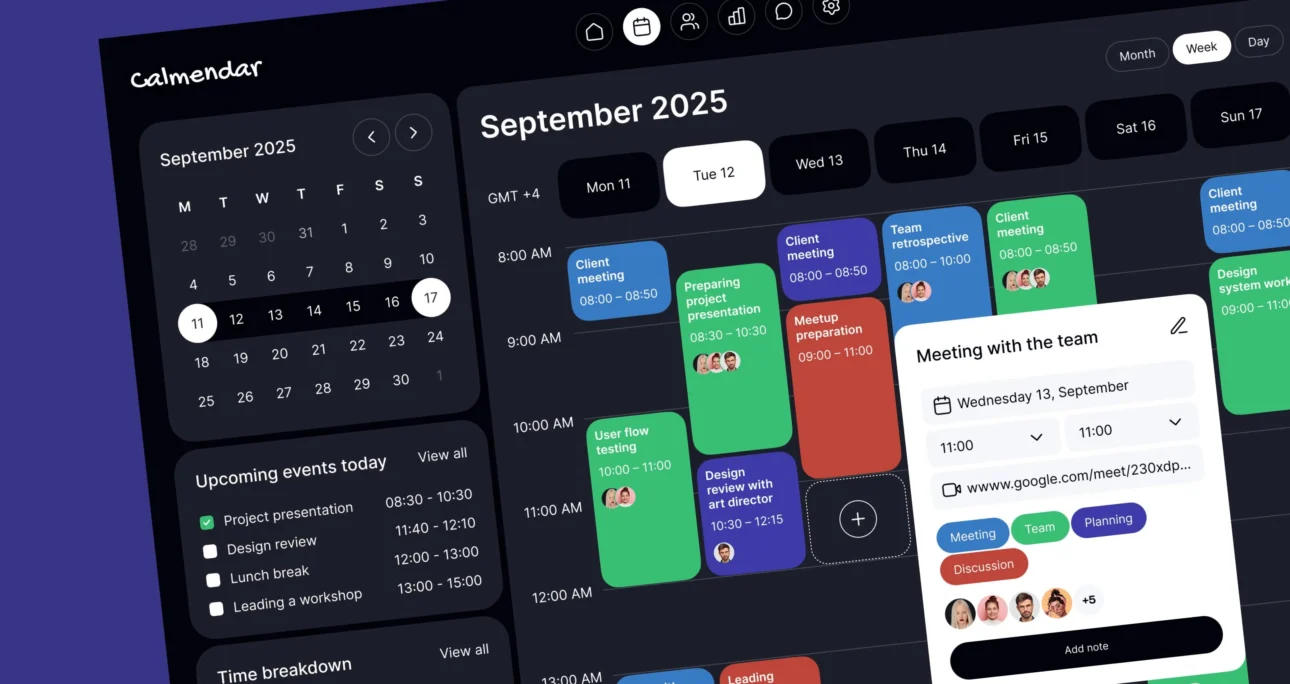
The calendar itself uses a compact month grid with one cell per day.
Trying to fit complete campaign names into each cell made the view unreadable, especially on dates with several overlapping placements. Instead, each date displays a small channel tally:
📧 Email 🎮 In-game 📱 App
Selecting a date populates a detail panel in column I with the full campaign breakdown for that day.
The result follows the same interaction pattern as a traditional calendar application: the month view answers, “What is happening?” while the detail panel answers, “What exactly is scheduled?”
That separation scales much better than forcing every campaign name, audience, channel, and placement into the grid itself.
Keep shared references in one place
A month drop-down at the top rebuilds the calendar for the selected period.
Shared identifiers, such as the calendar tab name, live in top-level constants:
const CALENDAR_TAB_NAME = 'Campaign Calendar';This does not make the code immune to renamed tabs. It does make the change easier to maintain because the identifier is defined once instead of repeated across several functions.
For a tool where tabs are frequently renamed, using the sheet’s numeric ID would be more resilient.
What I would do differently
Show users when the refresh fails

My first version only logged lock timeouts and script errors. That was useful for debugging, but invisible to the person using the calendar.
A small spreadsheet toast gives the user immediate context: their edit was recorded, but the calendar view could not refresh.
Separate transformation logic from spreadsheet logic
The channel-summary code originally lived inside the edit handler.
I would now extract it into a pure function that accepts campaign records and returns a summary such as:
{
  email: 3,
  inGame: 1,
  app: 2
}
That logic can be tested without opening a Sheet or manually triggering an edit event.
Measure the lock timeout
I selected ten seconds because it felt reasonable, not because I had measured the workload.
A better approach would be to review execution logs, capture typical update duration, and set the timeout based on observed behavior.
Keep the rendered calendar separate from the source data
The campaign table should remain the source of truth. The month grid and detail panel should be treated as derived views that can be rebuilt.
That makes failures easier to recover from and reduces the risk that display logic corrupts the underlying campaign records.
Takeaway
Multi-user reliability is not specifically a Google Sheets problem. It is a systems problem that happens to be running inside a spreadsheet.
Once several people depend on an automated Sheet, it is no longer “just a spreadsheet.” It is software.
Treat it accordingly: protect shared writes, centralize configuration, separate source data from rendered views, and make failures visible to the people using the tool.